Anchor Ads
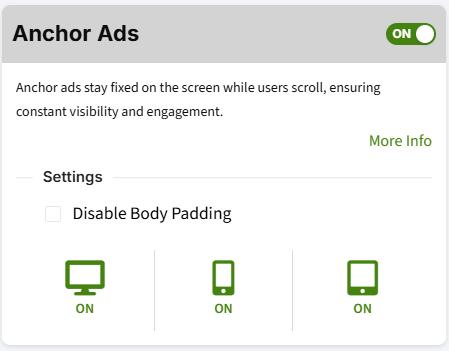
By default, Ezoic will show anchor ads if enabled in the dashboard under the Ezoic Ads tab.
Turning Off Anchor Ads
To turn the Anchor Ad off for a specific page, the ezstandalone.setEzoicAnchorAd function can be used.
In order for this functionality to work, it must be called prior to
ezstandalone.showAds().
<script >
    window.ezstandalone = window.ezstandalone || {};
    ezstandalone.cmd = ezstandalone.cmd || [];
    ezstandalone.cmd.push(function() {
        ezstandalone.setEzoicAnchorAd(false);
        ezstandalone.showAds(101, 102, 103);
    });
</script>
Checking If Anchor Ad Was Closed
To see if the Anchor Ad has been closed for a user's session, use the hasAnchorAdBeenClosed function.
Below is an example of using the function to determine whether to keep showing the Anchor Ad
<script >
    window.ezstandalone = window.ezstandalone || {};
    ezstandalone.cmd = ezstandalone.cmd || [];
    ezstandalone.cmd.push(function() {
        let anchorHasBeenClosed = ezstandalone.hasAnchorAdBeenClosed();
        ezstandalone.setEzoicAnchorAd(anchorHasBeenClosed);
        ezstandalone.showAds(101, 102, 103);
    });
</script>